API Timeout
The API timeout in Dhru Fusion Pro is directly linked to the product/service delivery time you configure in each product.
⏱ How It Works:
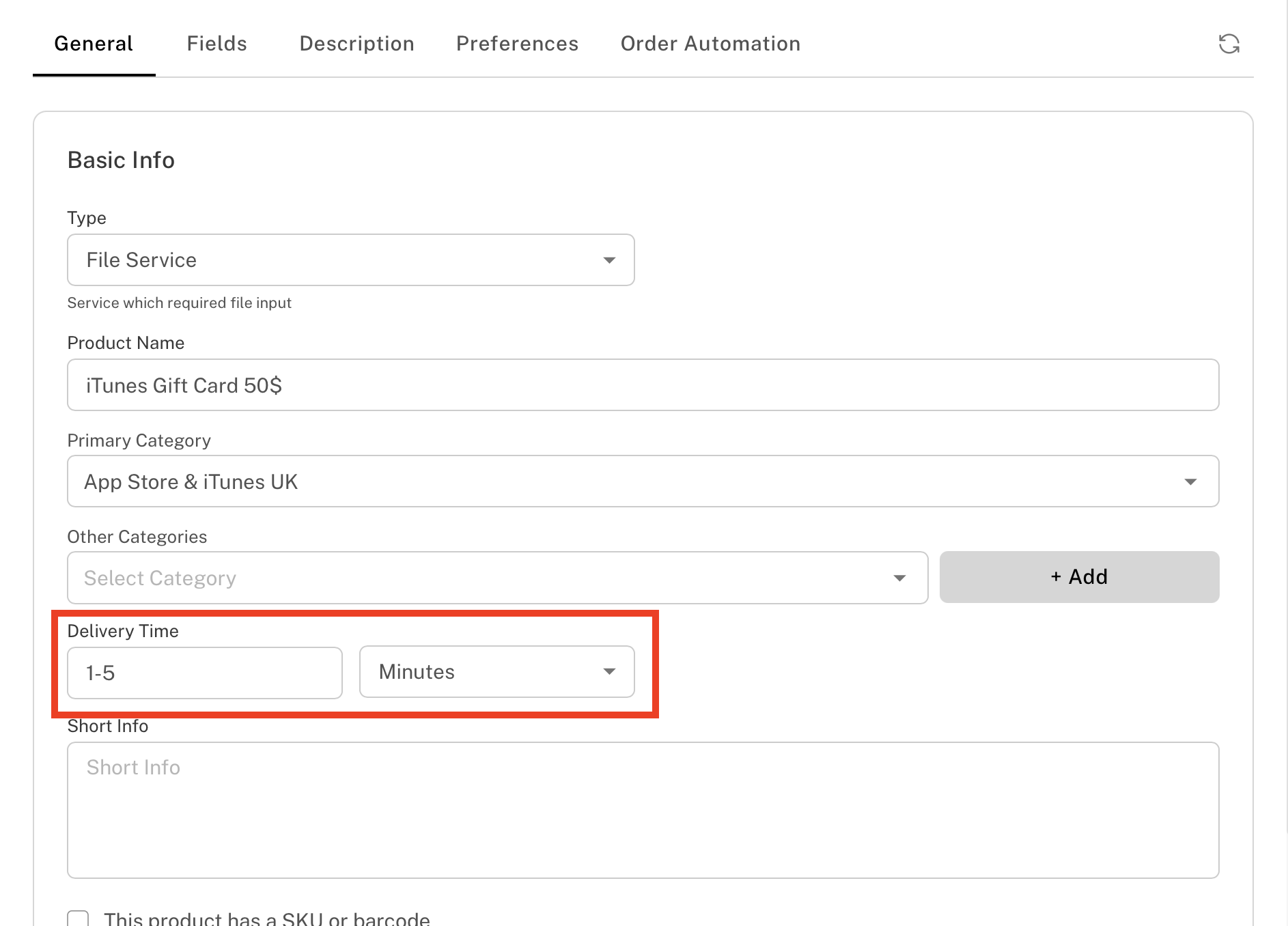
• The system checks the Delivery Time setting under:
Edit Product → Delivery Time
• If the delivery time is set as 1-5 minutes, the system will attempt to retrieve the API response for up to 5 minutes.
• If no response is received within that window, the order status will show Timeout.
🔁 How to Retry:
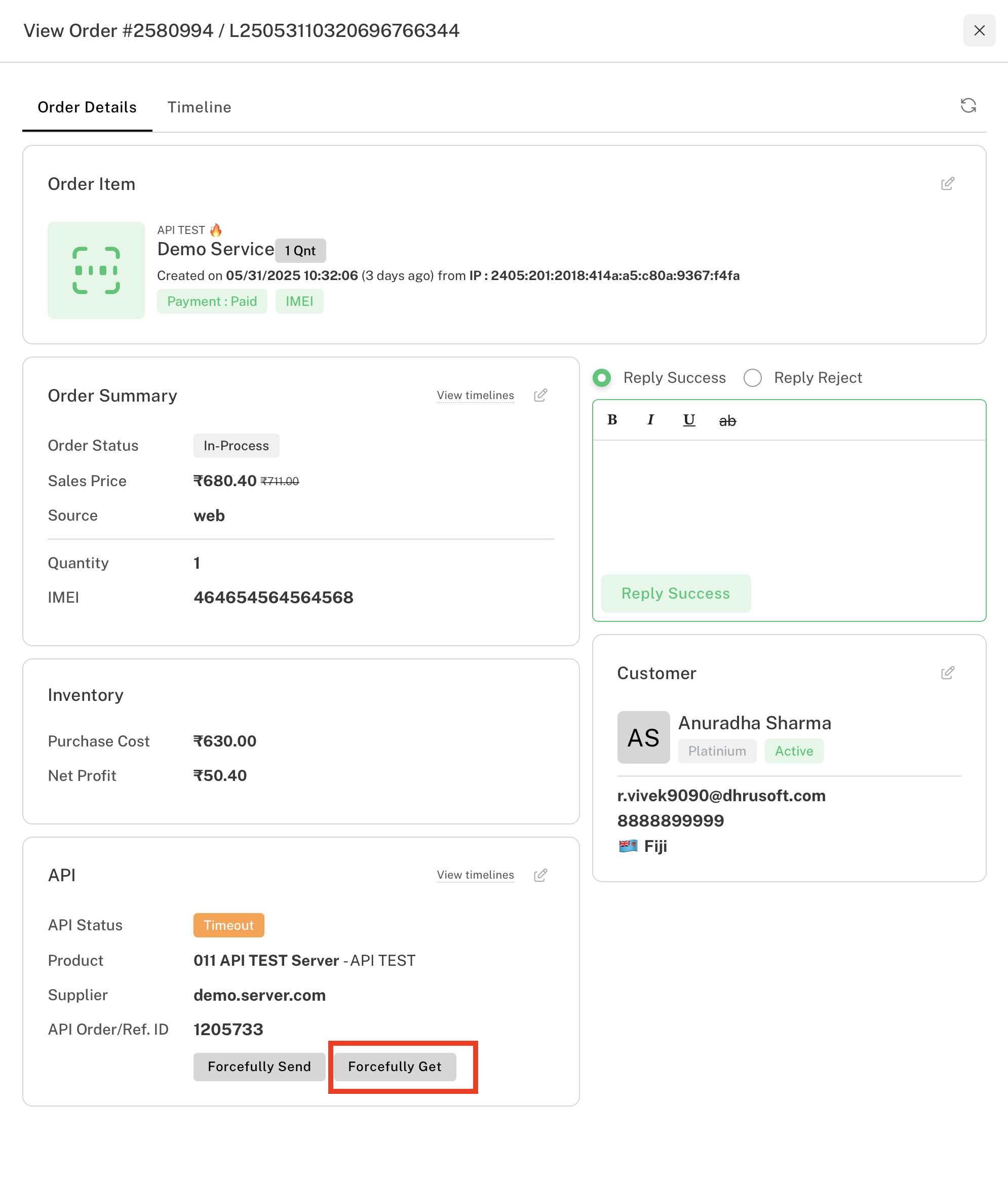
You can manually restart the API retrieval process by going to:
View Order → Forcefully Get
This will trigger a fresh attempt to fetch the status or response from the connected supplier API.
📄 View Logs:
To review what happened during the API call, go to:
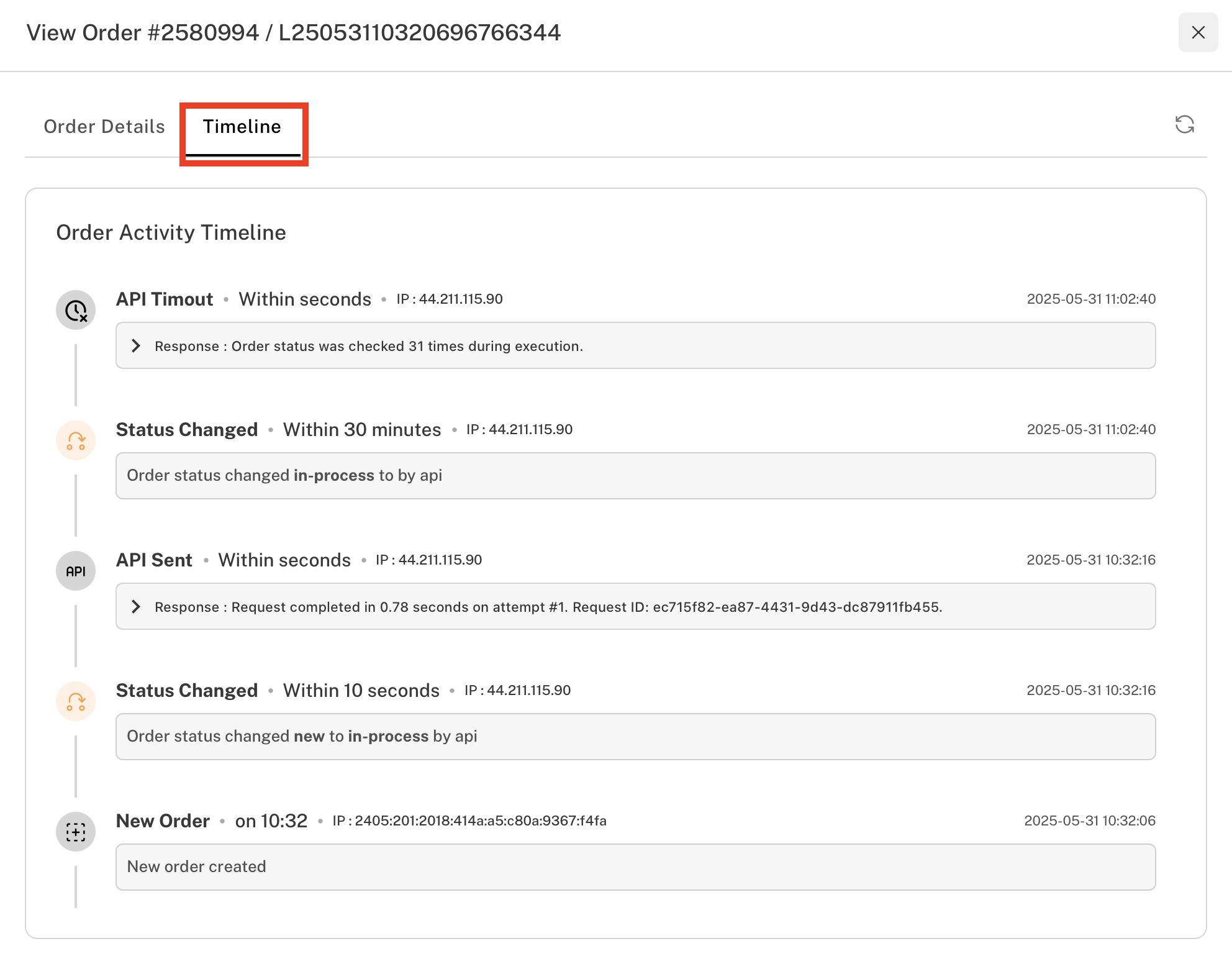
View Order → Timeline
Here, you can check detailed logs of each API attempt and response.